
Trying to figure out the best time to post on Pinterest? If you're looking for a quick answer, the sweet spot is almost always evenings and weekends. This is when most people are off the clock, scrolling for inspiration, and ready to engage with new ideas.
Your Quick Guide to the Best Times to Post on Pinterest
It helps to think of Pinterest less like a typical social feed and more like a visual search engine for the future. People jump on Pinterest to plan—what to cook for dinner next week, how to redecorate the living room, or which product to buy for an upcoming trip.
This forward-looking behavior is exactly why timing matters so much. You want your content to pop up right when your audience is actively searching for it. A perfectly timed pin about a weekend DIY project lands much better on a Friday afternoon than a Monday morning.
The Foundational Posting Schedule
Of course, the absolute best time to post is unique to your audience, and we'll get into how to pinpoint that later. But for now, you need a solid starting point based on general user behavior.
Broadly speaking, Pinners are most active when they have downtime to browse, dream, and organize their thoughts. This is a golden opportunity for e-commerce brands and dropshippers. A well-timed product pin can catch a motivated buyer at just the right moment, driving a wave of traffic directly to your store.
General Peak Posting Times on Pinterest
To get you started, here's a look at the generally accepted peak windows for posting on Pinterest, based on global user activity. Think of this as your launching pad.
| Day of the Week | Optimal Posting Times (EST) | Why It Works |
|---|---|---|
| Weekdays | 8 PM – 11 PM | This window catches people winding down after work. They're relaxed, scrolling on the couch, and primed for inspiration. |
| Weekends | 2 PM – 4 PM & 8 PM – 1 AM | Saturdays and Sundays are peak project-planning days. You get two great shots: one in the afternoon and another late at night. |
| Fridays | Around 3 PM | The weekend mindset kicks in. Users start planning activities and making purchase decisions for the next couple of days. |
This table is your initial roadmap. While this guide is all about Pinterest, understanding the broader patterns of the best time to post on social media can give you some valuable context.
Use these timeframes for your first batch of scheduled pins. From here, you can start testing and gathering your own data to uncover your audience's unique golden hours.
Why Your Posting Time Is Crucial for Pinterest Success
Posting on Pinterest without thinking about the time is like opening a pop-up shop in a busy market after everyone’s already gone home for the night. You could have incredible products, but if no one's around to see them, all that effort goes to waste. Timing isn't some tiny detail you can ignore; it’s a core piece of any smart Pinterest strategy.
Think of it like this: every time you share a pin, you’re dropping it into a massive, fast-flowing stream of content. If you release your pin when that stream is packed with active users, it gets seen, saved, and clicked almost immediately. This initial flurry of interaction is a huge signal to the Pinterest algorithm.
The Power of Initial Engagement
Pinterest’s algorithm is called the Smart Feed. Its entire job is to show people content they’ll actually love. When your pin gets a quick burst of engagement—we're talking saves, close-ups, and clicks through to your site—the algorithm sits up and takes notice. It reads that instant activity as a sign of high-quality, relevant content.
That early traction is like giving your pin a running start. The algorithm rewards that initial success by pushing your pin out to a much wider audience, well beyond your own followers. Suddenly, it’s showing up in more search results and popping onto more home feeds, creating a powerful snowball effect of visibility. Without that first spark, a great pin can easily get buried.
A well-timed pin doesn't just get seen by more people on day one; it sets itself up for a longer, more successful life. Pinterest rewards content that gets an immediate positive reaction by keeping it in circulation for weeks, sometimes even months.
Turning Pinners into Customers
If you're running an e-commerce store or dropshipping, this is where things get really interesting. Every single pin is a potential doorway to your shop. A pin timed to catch your target audience when they’re actively planning or shopping can be the difference between a handful of views and a real wave of high-intent traffic.
Let's say you sell unique kitchen gadgets and use a tool like AliSave Pro to source your product photos. Posting a pin of a cool new avocado slicer on a Saturday morning, right when people are thinking about weekend brunch, makes so much more sense than dropping it on a hectic Monday afternoon. You're meeting them right in their moment of inspiration.
This direct link between timing and traffic has a real impact on your bottom line. It’s how you turn casual browsers into actual buyers—by showing them the perfect product at the exact moment they’re looking for it. The goal isn't just more website clicks, but clicks from people who are already in a planning or buying mood. That's what leads to better conversion rates. Ultimately, figuring out the best time to post on Pinterest is all about giving your content its best shot to connect, inspire, and convert.
Data-Backed Peak Posting Windows You Should Know
Throwing Pins at the wall and hoping they stick is a strategy, but not a very good one. If you want real results on Pinterest, you have to stop guessing and start looking at the data. It turns out, there are specific, proven time slots that consistently deliver more engagement, and they all have one thing in common: they perfectly match when your audience is actually online and looking for inspiration.
Think about it from your audience's perspective. Their days are packed with work, school, and life. But what happens when things quiet down? They pull out their phones for that late-night "inspiration scroll" or spend a relaxed weekend afternoon planning their next project. That's your moment. Those are the times when Pinterest activity absolutely explodes.
The difference between a randomly timed pin and one posted during these peak hours is huge.
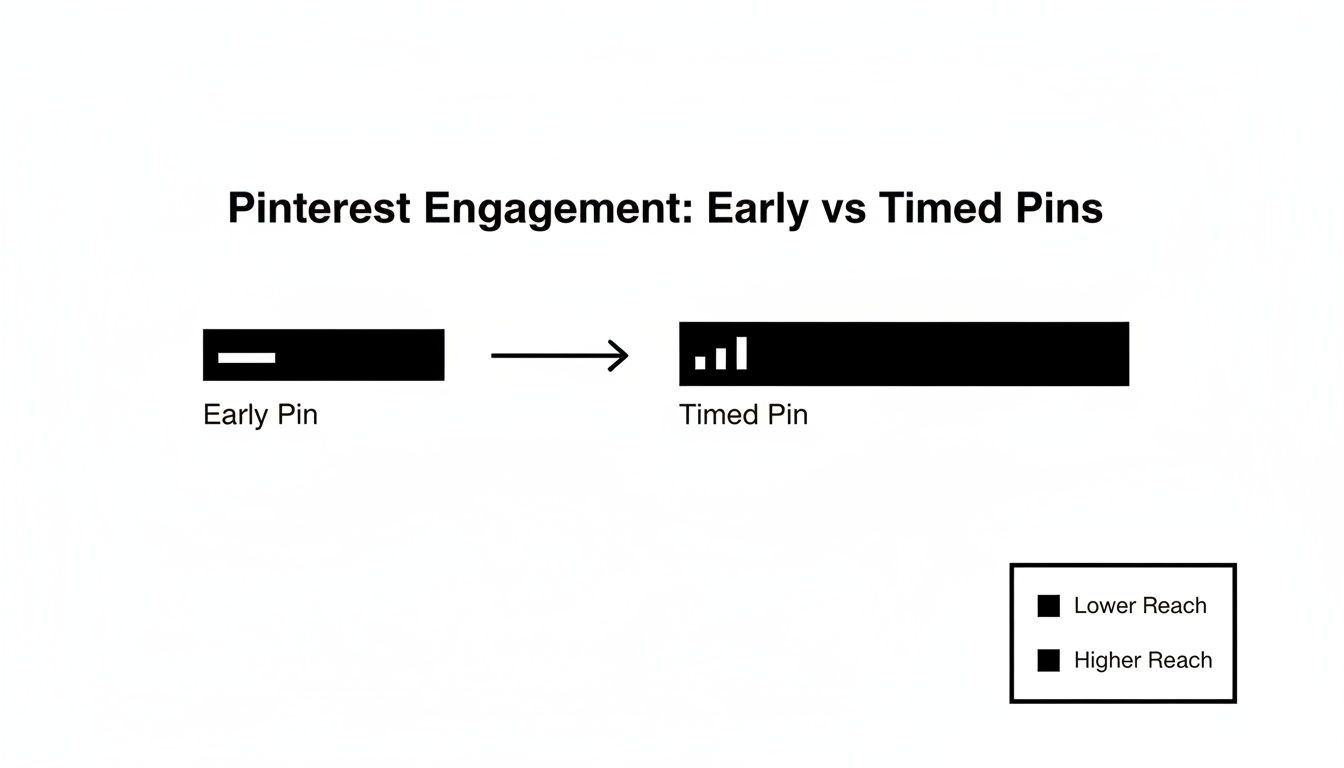
As you can see, a pin that’s well-timed catches a wave of user activity, giving it a massive initial boost in reach that the algorithm then continues to reward.
The Power of Evenings and Weekends
If there's a primetime slot on the Pinterest calendar, it's definitely evenings and weekends. This isn't just a hunch; it's a trend that’s been proven again and again by studies analyzing billions of user interactions.
The data consistently points to one main window for maximum engagement: posting on Pinterest between 8 PM and 11 PM, especially on Saturdays and Sundays. This is when users have finished dinner, kicked back, and are actively browsing for ideas, making them far more likely to engage.
This timing is crucial, especially if you’re a dropshipper using a tool like AliSave Pro to grab product media from AliExpress. Imagine scheduling a stunning set of product photos to go live right at 9 PM on a Saturday. With Pinterest's 553 million monthly active users saving over 1.5 billion pins every single week, hitting that sweet spot can dramatically increase your first-hour saves—a huge signal to the Pinterest algorithm.
Key Takeaway: The 8 PM to 11 PM window is your golden hour. Pinners are relaxed, receptive, and ready to plan. This is when they save, click, and ultimately, buy.
Uncovering Other Valuable Time Slots
While the evening and weekend slot is the main event, it’s not the only game in town. Other pockets of opportunity pop up throughout the day, usually tied to short breaks in a person's typical schedule.
Here are a few other periods worth testing for your own audience:
- Weekday Lunch Breaks (12 PM – 2 PM): That midday scroll is real. This can be a surprisingly good time to grab attention with eye-catching pins, particularly for niches like food, fashion, and quick DIYs.
- The Friday Wind-Down (around 3 PM): As the workweek wraps up, people are already shifting into weekend mode. They're starting to look for recipes to try, outfits to wear, and activities to plan. Getting on their radar late Friday afternoon can be a smart move.
- Early Morning Inspiration (Before 9 AM): Some Pinners like to start their day with a quick dose of motivation. While it’s not as powerful as the evening slot, it can work well for content like motivational quotes, workout routines, and healthy breakfast ideas.
If you’re curious how this stacks up against other platforms, you can check out our guide on the best day to post on social media here: https://alisavepro.com/best-day-to-post-on-social-media/
And for a broader look at scheduling principles, you might find this resource on the best times to post on social media helpful. These data-backed windows give you a fantastic starting point, allowing you to move beyond guesswork and make decisions that get your content the visibility it deserves.
How to Find Your Unique Best Time to Post
Think of those global posting time recommendations as a great starting point. They get you in the ballpark, but to really hit a home run, you need to know what your own audience is doing. The single most powerful way to discover your best time to post on Pinterest is to stop guessing and start listening to what your own data tells you.
Your followers have their own unique rhythms. They live in different time zones, have different jobs, and scroll through Pinterest whenever it fits their day. The secret to real growth isn't about following the crowd; it's about digging into your own analytics to pinpoint exactly when your people are online and ready to engage.
Thankfully, Pinterest gives you all the tools to do just that. Let's dive in.
Getting Familiar With Your Pinterest Analytics
First things first, you'll need a Pinterest Business account. It's free to switch over, and it unlocks a goldmine of data about your audience's behavior. This is where you move from making educated guesses to building a strategy based on solid evidence.
Finding this crucial info is surprisingly straightforward.
- Log in to your Pinterest Business account.
- Click Analytics in the top-left menu.
- From the dropdown, choose Audience Insights.
Welcome to your new command center. This dashboard is where you can learn who your followers are, where they're from, and—most importantly for us—when they're most active on the platform.
Pro Tip: Don't treat this as a one-and-done task. Make checking your analytics a monthly ritual. Audience habits can change with the seasons, holidays, or even a new viral trend. Staying on top of your data keeps you one step ahead.
Turning Raw Data Into a Smart Posting Schedule
Once you're inside Audience Insights, you'll see you can filter your data by all sorts of things like age, location, and device. While that's great for fine-tuning your content, our mission right now is to find the perfect timing. For that, you want to zero in on when your audience generates the most impressions and engagement.
Start looking for the patterns. Do you see consistent spikes in activity? You might be surprised. Maybe your audience is most active on a Tuesday morning, completely ignoring the conventional wisdom about weekend posting. Or maybe you have a big international following that creates a peak engagement window you never would have considered.
Here’s an example of what you might see in your Pinterest Analytics dashboard, showing how impressions rise and fall throughout the week.
This chart is your treasure map. The highest peaks represent your golden hours—the windows of time when your Pins have the best chance of being seen, saved, and clicked.
With this visual guide, you can start building a smarter schedule. Prioritize these proven time slots for your most important content. If your analytics scream that activity skyrockets on Thursdays at 10 AM, make that a permanent fixture in your weekly plan.
This is especially powerful if you're in e-commerce. Let’s say you use a tool like AliSave Pro to quickly grab high-quality product photos and videos. You can use your analytics to schedule those killer visuals to go live at the exact moment your target customers are scrolling for their next purchase. This simple act of aligning great content with peak timing is what turns passive browsers into active buyers.
How Posting Frequency Shapes Your Pinterest Strategy
Knowing the best time to post on Pinterest is a fantastic start, but it's only half the equation. Perfect timing is great, but it needs a partner to be truly effective. That partner is consistency.
The question isn't just "when?" but also "how often?" The answer is what separates a decent Pinterest strategy from a great one.
Think of the Pinterest algorithm like a fire. One pin on a Saturday night is like tossing a single log on it—nice, but the flame dies down quickly. A steady stream of new ideas every day is like consistently adding kindling. It keeps the fire hot and your visibility burning bright. Sporadic bursts of activity followed by radio silence will just make your reach fizzle out.
Finding Your Posting Rhythm
So, what’s the sweet spot? While pinning once a day is certainly better than nothing, the accounts seeing the most growth are usually posting far more often. That might sound a bit intense, but it's a proven way to cast a wider net and keep a steady flow of traffic coming your way.
If you run an e-commerce store, especially one with a big product catalog, this is a massive opportunity. Every product, every color variation, every lifestyle photo, and every user-generated image is a potential new pin. You're sitting on a goldmine of content, which makes a higher posting frequency totally doable.
The goal isn't just to pin for the sake of pinning. It’s about creating a sustainable rhythm that consistently delivers fresh, valuable ideas to your audience right when they're looking for them.
Why Volume and Consistency Win
The data doesn't lie: a higher volume of pins directly leads to more visibility and engagement. While starting with 3-5 pins per day is a solid way to build momentum without burning out, many of the top accounts are aiming much, much higher.
In fact, the number you'll often hear tossed around is 15-20 times per day. This is a recommendation backed by Pinterest itself and proven by countless successful pinners. Why so many? Pinterest loves fresh content. A higher volume ensures you're constantly feeding the algorithm something new, which is a huge factor in getting your pins seen.
This strategy is a game-changer for dropshippers who use tools like AliSave Pro to download entire batches of product photos and videos from AliExpress. You can literally schedule a full day's worth of high-quality content in just a few minutes. If you want to dive deeper into how this works across platforms, Buffer has a great social media frequency guide.
When you spread this steady stream of content across your peak posting times, you multiply your chances of discovery. Imagine scheduling 15-20 pins to go out during those key windows—like evenings from 8-11 PM and weekend afternoons. You're not just showing up once; you're maintaining a constant presence while users are most active.
At the end of the day, combining the right time with the right frequency is what turns your Pinterest board from a static image gallery into a dynamic engine for traffic and sales.
Making Your Pinterest Workflow Actually Work for You
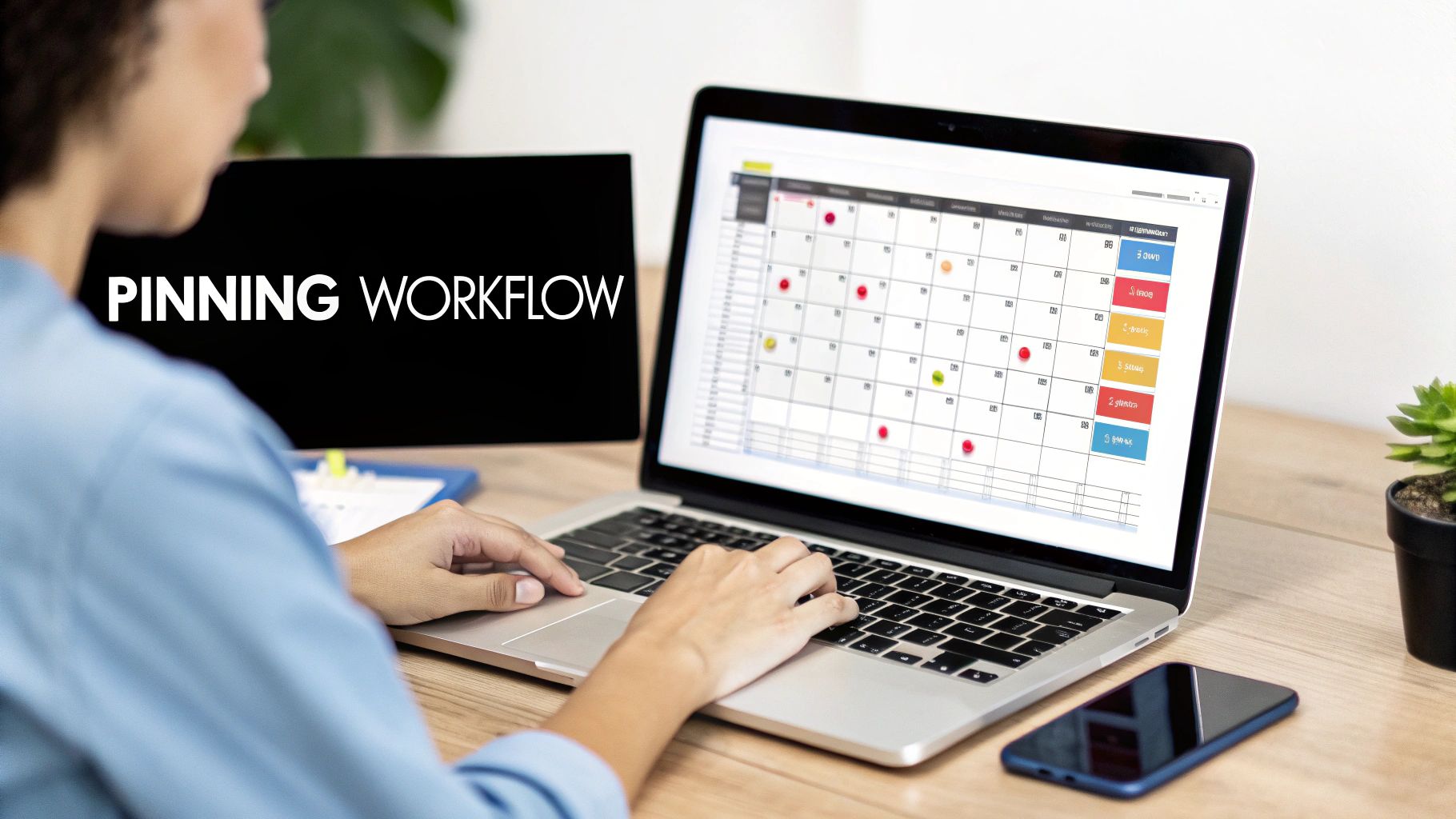
Knowing your best posting times and how often to Pin is one thing. Actually doing it consistently is a whole different ballgame. Let's be real—manually posting 15-20 times per day right on the dot is a fast track to burnout.
The secret isn't more hustle; it's a smarter workflow. By building a simple, repeatable system, you can keep your Pinterest presence strong without being glued to your phone, making sure you hit the best time to post on Pinterest every single time. It's all about working smarter, not harder.
Let Scheduling Tools Do the Heavy Lifting
If there's one thing that will completely change your Pinterest game, it's a scheduling tool. These platforms let you load up your Pins weeks or even months ahead of time. You just set the schedule, and the tool takes care of the posting. This frees you up to focus on what really matters: creating killer content.
You’ve got a few great options to choose from:
- Pinterest's Native Scheduler: This is built right into the platform. It's free, easy to use, and lets you schedule Pins up to 30 days out. If you're just starting with scheduling, this is the perfect place to begin.
- Third-Party Schedulers (e.g., Tailwind, Buffer): Tools like these are designed specifically for social media management and offer more powerful features. They often include advanced analytics, community features (like Tailwind Communities), and even "smart schedules" that suggest the best posting times based on when your audience is most active.
A scheduler turns what feels like a daily chore into a task you can knock out once a week or once a month. Block out a bit of time, get everything scheduled, and then let the automation do its thing.
A consistent pinning schedule sends a powerful signal to the Pinterest algorithm. It tells the platform you're an active, reliable creator, which can lead to your content getting shown to more people over time.
The Magic of Batching Your Content
Staring at a blank screen every day trying to come up with new Pin ideas is draining. The solution? Batching. This just means you create all your content for a set period—say, a week or a month—in one single, focused session. The time you'll save is incredible.
For example, if you're a dropshipper, don't just grab the media for one product. Use a tool like AliSave Pro to download all the photos and videos for ten products at once. Now you have a huge library of assets to work with. You can sit down and crank out dozens of unique Pins from that one collection. For more on this, check out our article on how to upload pictures on Pinterest.
Here’s a simple way to think about a batching workflow:
- Plan It: Decide on your content themes for the next week or month. What are you promoting? What topics will you cover?
- Make It: Design all your Pin graphics and write your descriptions in one session. Put on some music and get in the zone.
- Set It: Upload everything into your scheduling tool and plug in the dates and times.
This approach completely removes that daily "what do I post?" pressure. When you combine a smart scheduling tool with a batching workflow, you create a powerful system that delivers great content at the perfect time, every time.
Got Questions About Pinterest Posting Times? Let's Unpack Them.
As you start dialing in your Pinterest strategy, you'll inevitably run into a few common questions. Perfecting your schedule isn't a one-and-done task; it's a constant process of tweaking and learning. Here are some straightforward answers to help you handle the nuances of timing your pins for the biggest impact.
Think of this as your quick reference guide for those little "what if" moments that pop up while you're building out your content calendar.
How Should I Handle Different Time Zones?
This is a big one. If your Pinterest Analytics reveals that your audience is spread out across the globe, the best starting point is to target the time zone where most of your engaged followers are. For many brands, especially those in North America, this usually means centering your schedule around Eastern Standard Time (EST).
Why? A post scheduled for 9 PM EST is a smart move. It hits the East Coast crowd as they're winding down for the evening, but it also catches West Coast users right in their prime-time scrolling hours. It's a solid win-win.
That said, if you have a significant pocket of followers in another region, like Europe or Australia, don't ignore them. You might want to experiment with scheduling specific content that lines up with their peak times. The golden rule is always to let your own data be your guide and focus on the locations that are actually driving clicks and sales for you.
How Often Should I Check My Analytics for Changes?
Audience habits are never set in stone. They change with the seasons, holidays, and whatever new trend is taking over. A great rhythm to get into is checking your Pinterest Analytics for shifts in audience activity at least once a month.
This frequency is the sweet spot. It's often enough to catch new patterns but not so often that you're over-analyzing every tiny daily dip or spike.
A monthly analytics check-in keeps you on your toes. You'll be able to adapt your posting times to take advantage of seasonal changes—like seeing more people pinning on weekends during the summer—making sure your strategy is always relevant.
What’s the Right Mix of New Pins vs. Repinning Old Stuff?
Pinterest's algorithm is hungry for one thing above all else: fresh content. Because of this, the vast majority of your pins—aim for 80% or more—should be brand-new images, videos, or Idea Pins that your account has never published before.
Repinning your greatest hits still has its place, but it should be a very small slice of your overall strategy.
This focus on freshness is actually fantastic news for e-commerce sellers. Every single product variation, user-generated photo, or lifestyle shot is a golden opportunity for a new pin. Tools like AliSave Pro make this incredibly easy, letting you grab entire sets of product photos and videos. This gives you a never-ending well of fresh visuals to work with.
Ready to build a steady pipeline of fresh, high-quality pins without all the tedious manual work? With AliSave Pro, you can download all the AliExpress product photos and videos you need in just one click. Start building your content library the smart way and get your free extension.